
Published · January 2026 · By VoiceOver Maker Team
Director Studio is natural language control for AI voice generator output: you describe tone, pacing, and style in plain words instead of tweaking pitch and speed sliders. Competitors like Murf.ai offer pitch, speed, and tone controls; ElevenLabs emphasizes expressive, realistic AI voices. The same goal: natural-sounding, lifelike speech. With Director Studio you type something like “warm and conversational, slightly slower for a training video” and the text to speech follows. Here’s how natural language control for AI voices works in 2026.
What is Director Studio?
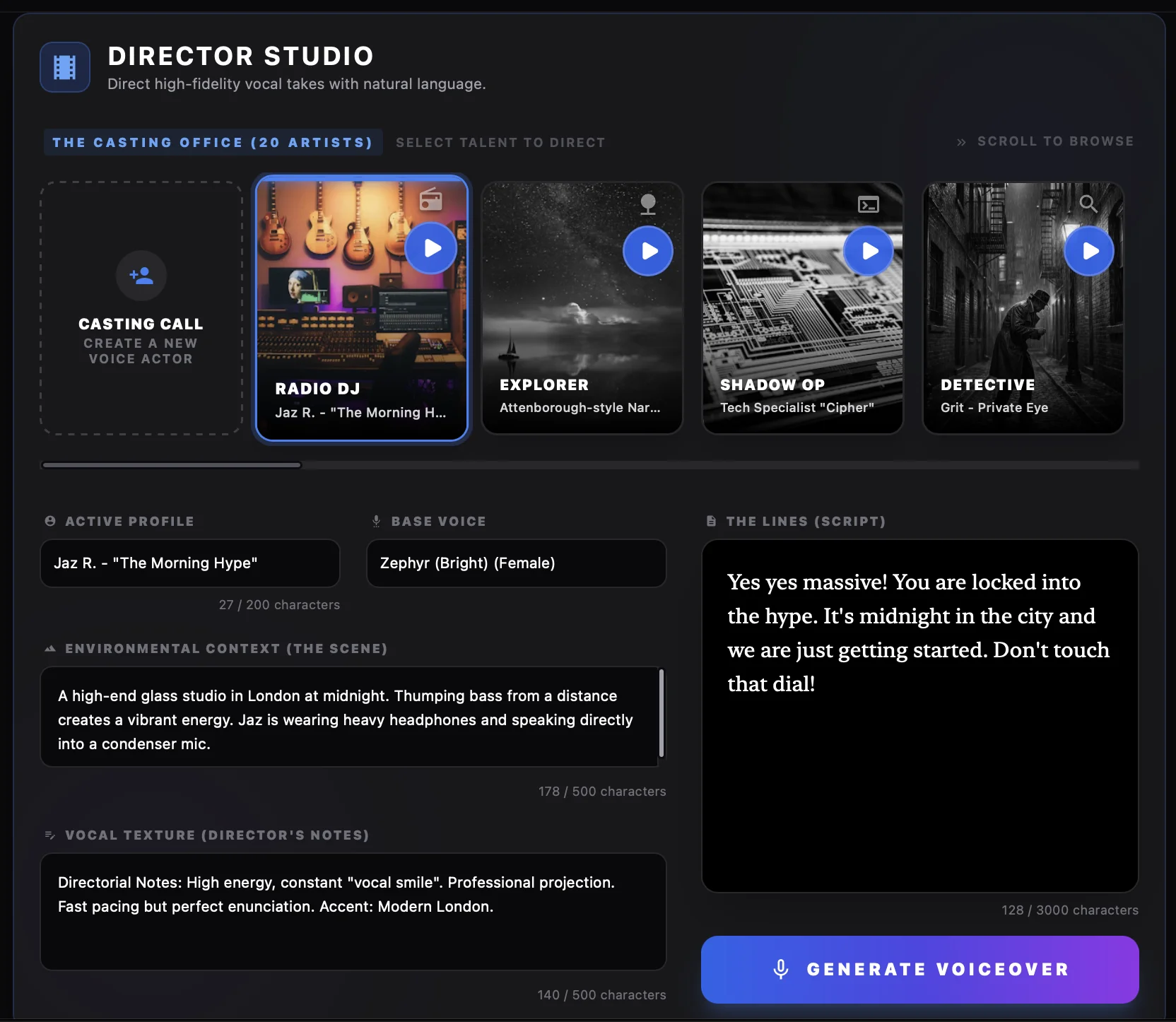
Director Studio is a feature in VoiceOver Maker that lets you direct realistic AI voices using natural language. Instead of only adjusting speed or pitch, you describe the delivery: “energetic and confident for a product launch,” “calm and clear for e-learning,” “urgent and exciting for a promo.” The AI voiceover generator interprets your direction and produces computer generated voice over that matches. Best for: ads, text to speech for video, podcasts, e-learning—any use where tone matters. See Features for the full list.
Why natural language instead of sliders?
Sliders (pitch, speed, volume) are precise but slow: you tweak until it sounds right. Natural language is faster: “friendly and approachable” or “authoritative and professional” gets you close in one go. Combine with Creative Studio for fine-tuning if needed. Tools like Murf and ElevenLabs offer customizable tone and expressive control; Director Studio puts that control in words so you can iterate quickly on text to speech online for ads, AI voice over for ads, podcasts, and e-learning.
Example directions that work
- ✓ “Warm and clear, slightly slower — for a training or onboarding video”
- ✓ “Energetic and confident — for a product launch or promo”
- ✓ “Calm and conversational — for a podcast or explainer”
- ✓ “Professional and neutral — for a corporate or support script”

Pick a voice, add your script, then add Director Studio direction. Generate and export (MP3/WAV or video). For best free text to speech with natural language control, try VoiceOver Maker. For more, see our free AI voice generator guide, natural-sounding AI voiceover for YouTube, and blog.